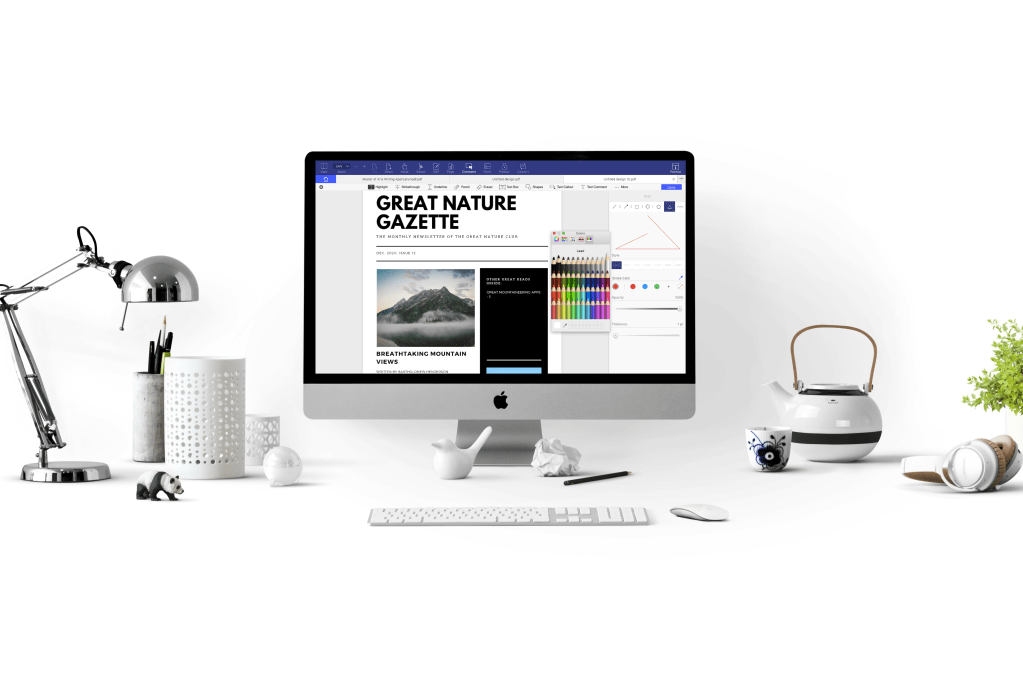
Hey everyone! PDFelement is a paid partner and I am reviewing their product in this article. Even though I was compensated, I have done my best to remain as objective as possible. Please note I have only chosen to review this product because I think it might be of some benefit to my readers and… honestly, I’m a huge nerd and I love PDF Editors. So I hope you enjoy my review, which I promise is still in my usual ‘The Cat’s Write’ voice!
What is PDFelement?
Wondershare PDFelement is a complex yet user-friendly PDF Editor that contains a number of powerful, game-changing features. Not only will you be able to create, convert and modify your PDF’s with exceptional efficiency, but you’ll also be able to store your PDF’s safe in the knowledge that they are secure due to the 256-bit AES encryption level passwords.
I was lucky enough to recently download a trial version of PDFelement Pro 6 for Mac, which supports macOS 10.10 or later (Mojave supported). I’m currently running macOS El Capitan (10.11), so I had no problems installing the software. PDFelement is also available for windows users and is compatible with Windows 10/8/7/Vista/XP.
Opening the PDFelement Editor was a premiere event in itself. First impressions? The aesthetics are very pleasing to the eye. There’s just something about the muted blue tones that instils a calming influence of studious intention. I was able to immediately find the ‘home page’ and create a PDF.
At this point, I need to stop and point out that PDFelement’s wide range of features allows for almost unlimited customization. Editing has never been so much. And I’m not joking. I actually had fun.
Because what did I do? I edited a PDF document filled with cats, of course.
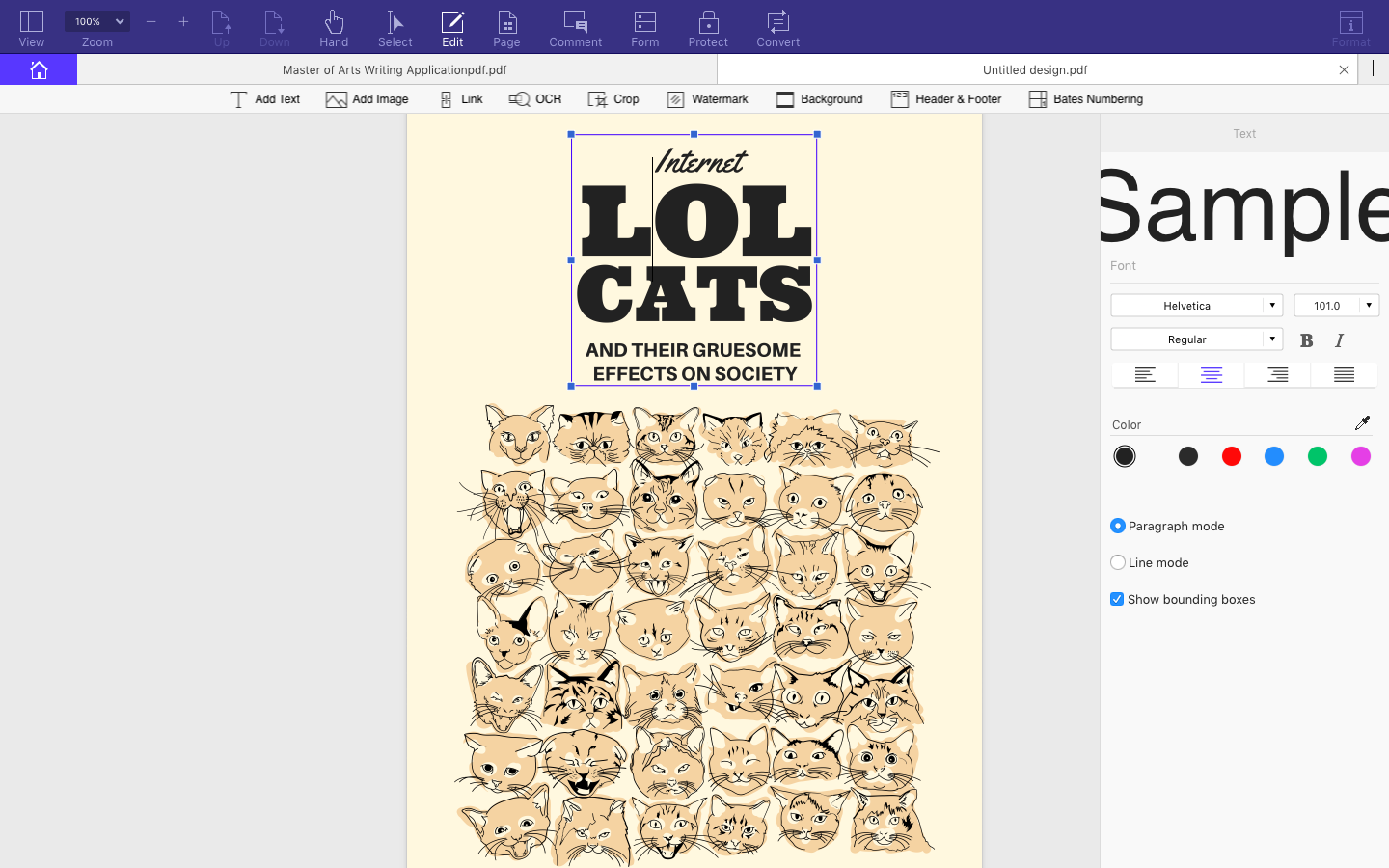
Overview of PDFelement features
Many of my returning readers (you know who you are!) have day jobs like me, so I thought you’d appreciate learning a little more about the technical features of PDFelement.
These are some of my favourites:
The built-in OCR (Optical Character Recognition)
Okay, so when I first saw the ‘OCR’ button under the ‘Editing’ tab, I must admit at first I had no clue what it was, but boy is it amazing! Essentially, this function means PDFelement can convert a scanned document into an editable and searchable PDF. If you don’t have a scanner, no problem, you can take a photo with your phone and once transferred to your computer, you can drop and drag the picture into PDFelement. Not only is this feature very easy to use, but it’s also incredibly convenient. I can’t even count how many times at work I’ve had to recreate a document from scratch because we couldn’t find the original file!
The advanced text editor
PDFelement’s text editor is exceptionally easy to use and makes for a smooth, stress-free work process. I am a huge fan of print design applications of any kind and PDFelement reminds me of a desktop publisher. This may be due to its appealing interface that creates a buzz of excitement in my little design heart (even though PDF Editing programs tend to be used primarily by teams collaborating in a business environment).
The clean, appealing interface
I don’t want to dismiss any other PDF Editor on the market, but let’s just say that Wondershare’s PDFelement is far superior in usability. It’s like when a former Windows user finally unravels the delectable delights of macOS. It takes a while to get used to the new format, but once you do, you’ll wonder how you ever managed to get by (is that why it’s called Wondershare??) I have to add that there is a really nifty feature where you can extract data directly from PDF form fields into a spreadsheet. Very handy if you need to do any analysis!
Affordability
PDFelement is an affordable alternative to some of the pricier PDF Editors on the market. At the moment, you can buy PDFelement for a discounted price, with WonderShare’s up to 50% off sale. In particular, it’s looking good being a Mac user right now! Seriously you must go check it out, the price point is absolutely within our reach as struggling writers.
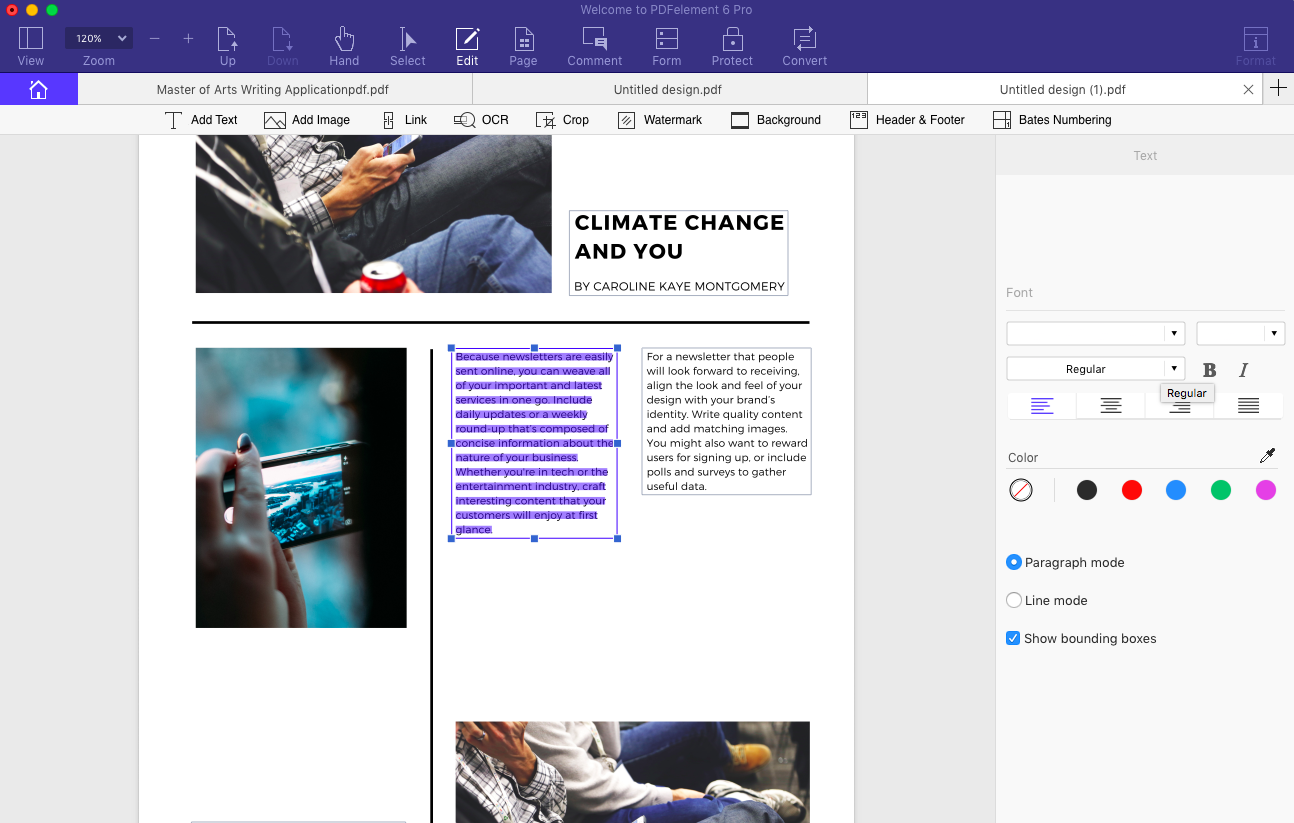
My final thoughts?
All I can say… Wondershare has certainly brought to the market an enviable PDF Editor to rival its competitors. I’m afraid, however, that I didn’t get the chance to extensively exhaust every advanced layout feature (there were so many!), but I definitely recommend PDFelement for your everyday PDF editing and converting needs. And bonus! PDFelement is also available to download as an app for iOS and Android.









 Milly Rogers Author
Leave a reply to Tom Austin Cancel reply